
In today’s fast-paced business world, automation isn’t just a luxury—it’s a necessity. Businesses are constantly searching for ways to save time, reduce manual work, and improve productivity. One of the best ways to achieve this is through Fiverr, a platform packed with freelancers offering tools, software solutions, and services designed specifically for automation. In this guide, we’ll explore the best Fiverr tools for business automation, including how they work, pros and cons, and tips for choosing the right tool for your needs. By the end of this article, you’ll have actionable insights to streamline your operations and grow your business efficiently.
What Are Business Automation Tools?
Business automation tools are software or services designed to handle repetitive tasks, manage workflows, and improve operational efficiency. These tools can help with tasks like social media posting, email marketing, data entry, customer support, project management, and more. By leveraging automation tools, businesses save valuable time, reduce human error, and improve productivity.
Benefits of Business Automation Tools:
-
Time-saving: Automate routine tasks to focus on strategic work.
-
Consistency: Ensure uniform execution of tasks without human error.
-
Scalability: Handle more work without hiring additional staff.
-
Cost-efficiency: Reduce labor costs by automating repetitive tasks.
On Fiverr, many skilled freelancers offer custom automation solutions tailored to specific business needs. From AI-powered tools to workflow automation scripts, Fiverr provides a wide range of options for businesses of all sizes.
Top Fiverr Tools for Business Automation:
When looking for the best Fiverr tools for business automation, it’s essential to consider versatility, reliability, and integration capabilities. Here’s a breakdown of top categories and examples:
1. Social Media Automation Tools
Social media management is one of the most time-consuming aspects of business marketing. Fiverr offers numerous services that help automate posting, engagement, and analytics.
Popular Fiverr Tools:
-
Buffer Automation Services: Schedule posts across multiple platforms.
-
Hootsuite Setup by Freelancers: Automate tracking and reporting.
-
AI Content Generation: Create captions, hashtags, and posts automatically.
Pros:
-
Save hours of manual posting.
-
Maintain a consistent social media presence.
-
Analyze engagement automatically.
Cons:
-
May lack human touch in content.
-
Some tools require monthly subscriptions in addition to Fiverr services.
Tips for Choosing Social Media Automation Tools:
-
Look for services that integrate with platforms you already use.
-
Verify freelancer reviews and previous client results.
-
Ask for a trial or sample before committing.
2. Email Marketing and CRM Automation Tools
Email marketing remains one of the most effective ways to engage customers. Automation tools on Fiverr can manage campaigns, segment audiences, and track performance.
Popular Fiverr Tools:
-
Mailchimp & ActiveCampaign Automation: Freelancers set up workflows for automated emails.
-
CRM Integration: Sync contacts, schedule follow-ups, and send notifications.
-
Lead Generation Automation: Tools that capture leads and add them to mailing lists automatically.
Pros:
-
Streamlined communication with clients.
-
Personalized email sequences without manual input.
-
Data-driven insights for improving campaigns.
Cons:
-
Requires a clear strategy; automation alone won’t guarantee engagement.
-
Mismanaged automation can lead to spam issues.
Tips:
-
Always test sequences before launching.
-
Ensure compliance with email marketing laws (e.g., GDPR).
-
Combine AI-generated content with personal touches for best results.
3. Workflow and Project Management Automation
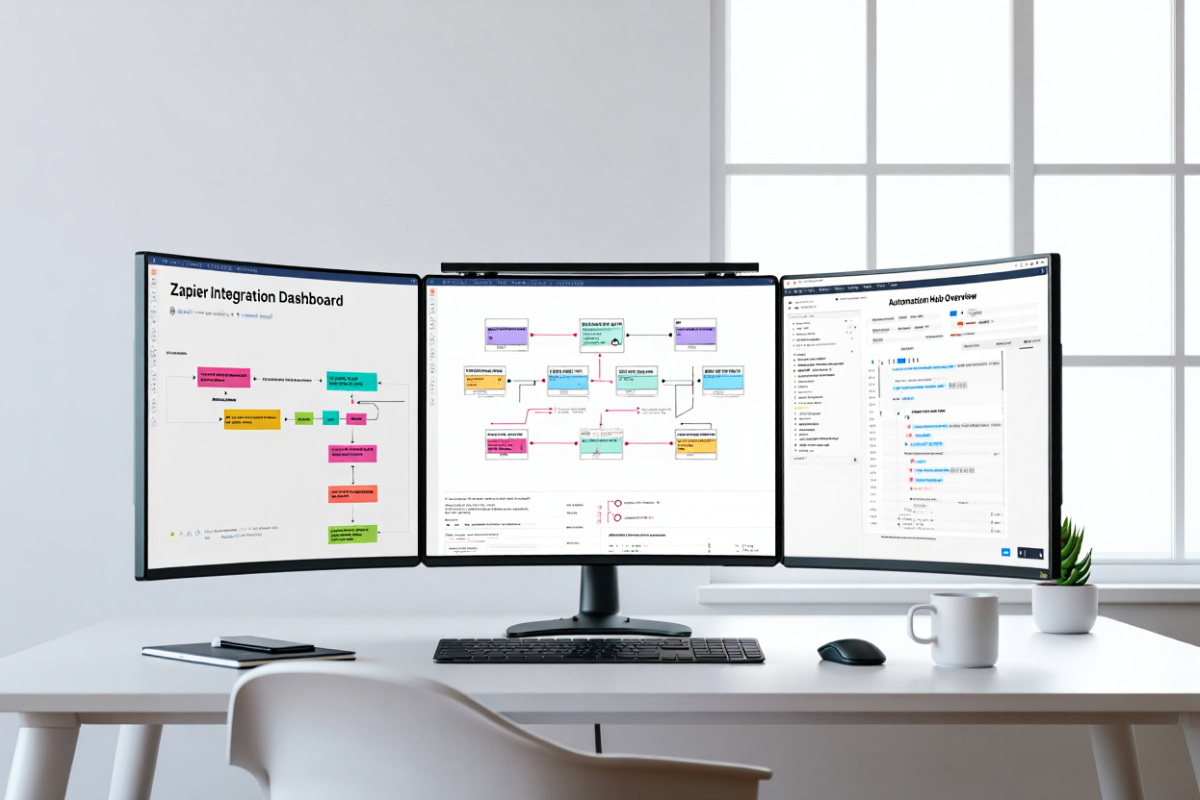
Organizing projects and tasks is crucial for business efficiency. Fiverr offers freelancers who can create automated project management dashboards, notifications, and reporting systems.
Popular Fiverr Tools:
-
Trello & Asana Automation: Automate task assignments, reminders, and progress tracking.
-
Zapier Integrations: Connect multiple apps to automate workflows.
-
Custom Scripts: Automate repetitive tasks like file organization, reporting, or approvals.
Pros:
-
Reduce manual tracking and errors.
-
Improve team productivity and accountability.
-
Save time with automatic reporting.
Cons:
-
Initial setup may require guidance from freelancers.
-
Complexity can increase if too many tools are integrated at once.
Tips:
-
Start small and automate high-impact repetitive tasks first.
-
Ensure your team understands and uses automation tools correctly.
-
Choose Fiverr freelancers with proven experience in your industry.
4. AI-Powered Content Creation Tools
Creating content consistently is challenging for many businesses. Fiverr hosts freelancers who specialize in AI content tools that generate blogs, social media content, graphics, and videos.
Popular Fiverr Tools:
-
Copy.ai / Jasper AI Services: Generate blog posts, ads, and product descriptions.
-
Design Automation: Automate visual content creation using Canva templates or AI design tools.
-
Video Automation: Convert scripts into animated or video content automatically.
Pros:
-
Rapid content production.
-
Maintain brand consistency.
-
Reduces hiring multiple content creators.
Cons:
-
AI content may require editing for human nuance.
-
Over-reliance may affect originality.
Tips:
-
Always proofread AI-generated content.
-
Combine AI tools with human creativity for the best results.
5. E-Commerce Automation Tools
E-commerce businesses can save significant time using automation tools for product listings, inventory management, and customer interactions.
Popular Fiverr Tools:
-
Shopify & WooCommerce Automation: Automate product updates, order tracking, and inventory alerts.
-
Chatbots & Customer Support Automation: Automate replies, FAQs, and order inquiries.
-
Price & Stock Monitoring: Track competitors and update pricing automatically.
Pros:
-
Reduced manual workload.
-
Enhanced customer experience.
-
Accurate inventory and pricing management.
Cons:
-
May need regular updates for new platform features.
-
Some automation tools require technical knowledge.
Tips:
-
Integrate multiple automation tools for seamless workflow.
-
Test automations regularly to avoid errors.
How to Choose the Right Fiverr Automation Tool:
Choosing the best Fiverr tools for business automation depends on your business size, goals, and budget. Here’s a simple checklist:
-
Define the Task: Identify repetitive tasks that can be automated.
-
Research Fiverr Freelancers: Look for top-rated sellers with positive reviews.
-
Check Tool Compatibility: Ensure the tool integrates with your existing systems.
-
Request Samples: Ask for a demo or sample work before purchase.
-
Evaluate ROI: Ensure the automation saves more time or resources than it costs.
Conclusion:
Automation is no longer optional; it’s essential for businesses that want to grow efficiently. By leveraging the best Fiverr tools for business automation, you can streamline social media, email marketing, project management, content creation, and e-commerce operations. Fiverr offers a wide range of freelancers who provide reliable, cost-effective solutions tailored to your business needs. Start small, test tools, and gradually expand automation to maximize productivity and results.
